Digital Menu + Ordering
QR Code Menu for Restaurants.
Replace PDF menus with a live QR code menu. Guests open, read, and order without downloading an app.
Guests open, read, and order without downloading an app.



Join 2,000+ restaurants
already using Yumzi




How it works
Get your QR code menu live in 4 simple steps
From restaurant menu to live QR code menu in minutes. No tech skills required.
01
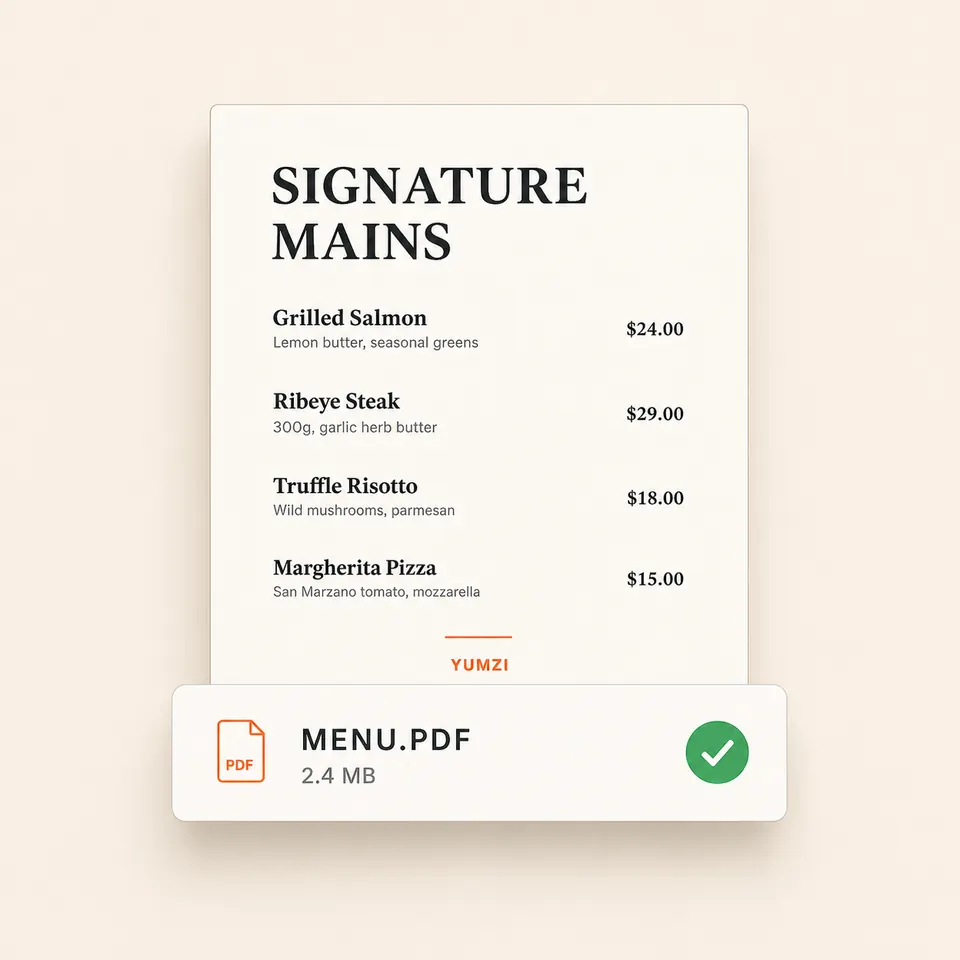
Upload your restaurant menu
Upload your menu PDF or add items manually in minutes.
02
Generate your QR code
Yumzi creates a permanent QR code linked to your live digital menu.

03
Print QR table cards
Download print-ready QR table cards and place them on your tables.

04
Update anytime
Edit items, prices or availability. Changes go live instantly.

QR Menu Kit
One QR code. Every touchpoint.
Use one permanent QR code for table cards, table tents, window stickers, Instagram, Google Business Profile, and your website. Guests always open the current live menu.
Table QR cards
Place a scannable QR code on every table so guests can open the menu without waiting.
Window stickers
Let walk-ins scan your menu from the entrance before they decide to sit down.
Website and bio link
Share the same digital menu on Instagram, Google Business Profile, and your website.
Print-ready QR files
Download clean QR assets for table cards, stickers, flyers, and signs.
Digital Menu
Edit once, live everywhere.
Update a price or mark a dish sold out. The change goes live on every device within seconds. No reprinting, no PDF exports, no waiting.
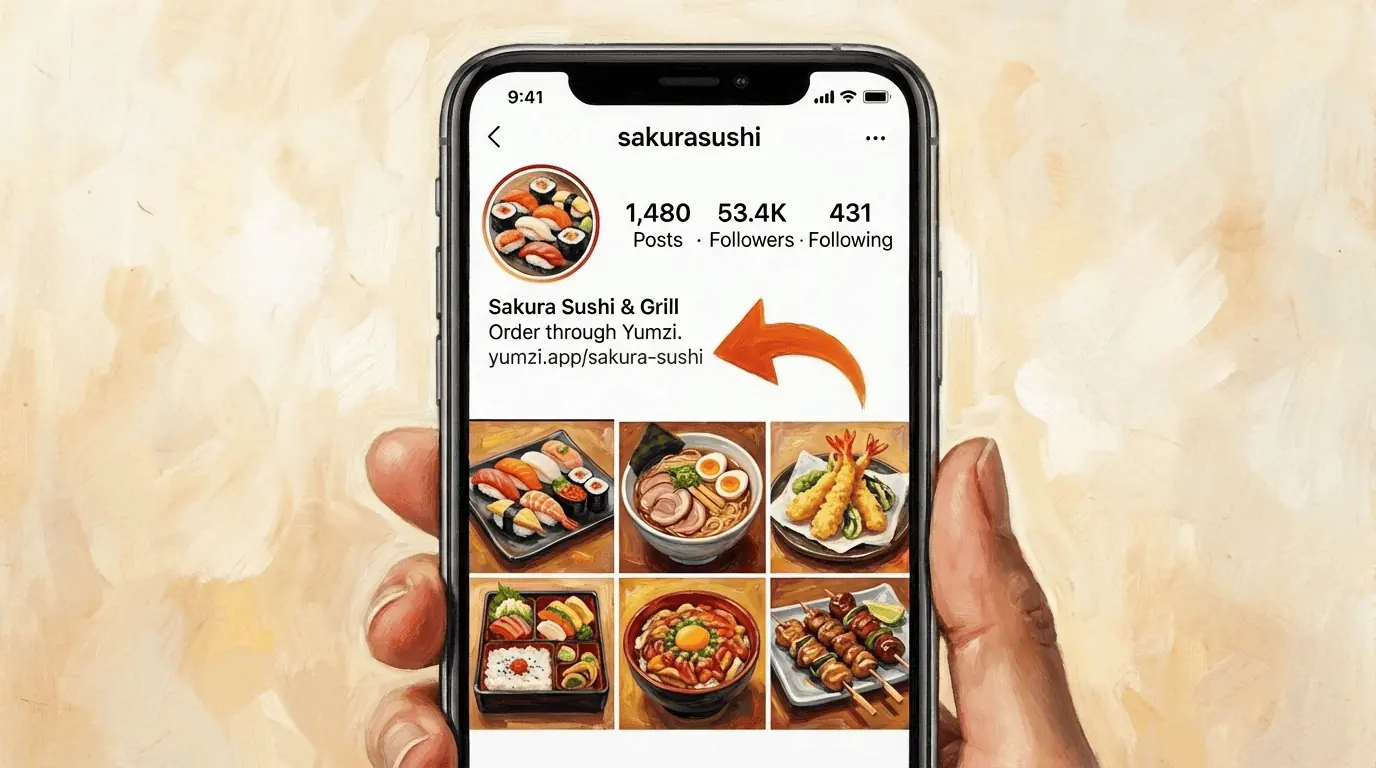
Link in Bio.
Your Instagram menu, always live.
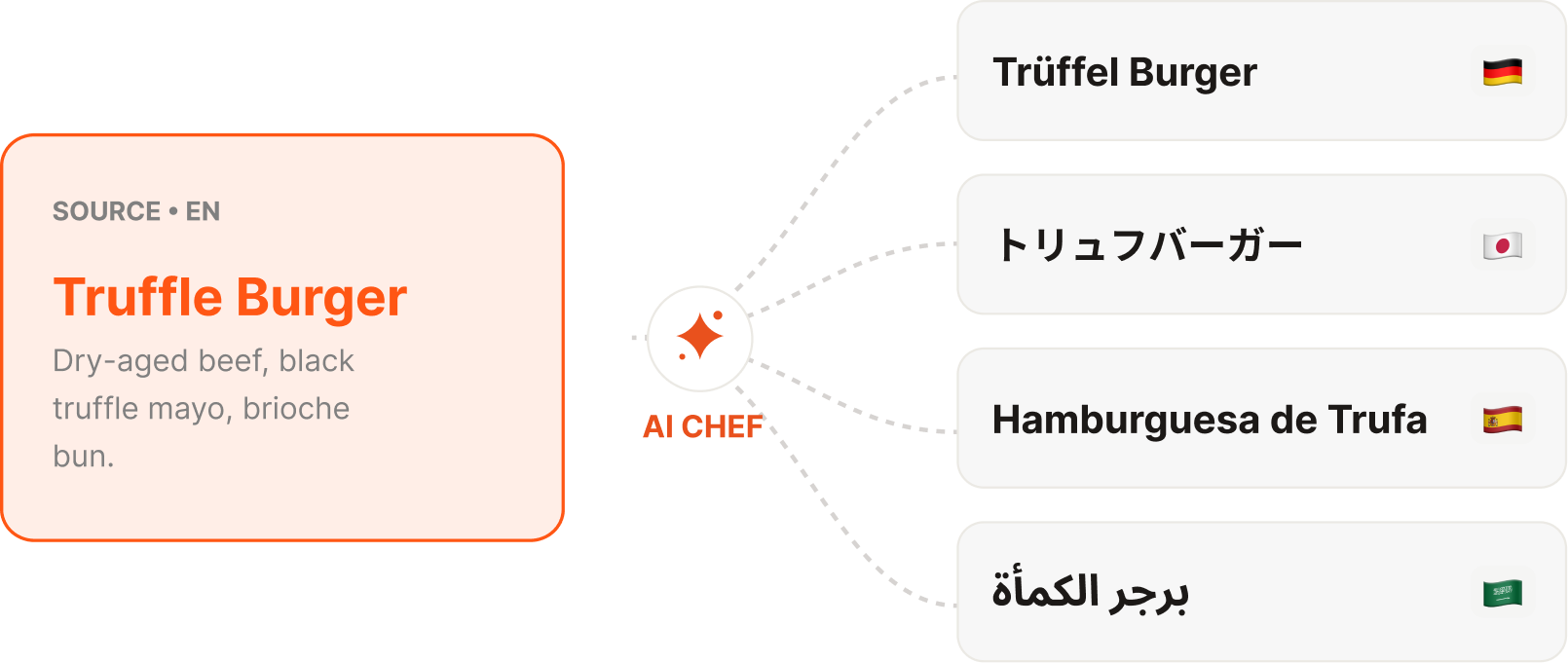
25 Languages. Automatic.
Menu Analytics.
Know your audience.
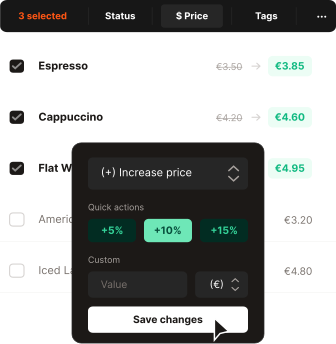
Bulk Edit. Save hours.
One action. Entire menu.
QR Code.
Scan. Browse. Order. No app.
Scan to order
No app download required
"We update our menu in seconds now. No more printing, no more waiting. Our guests just scan and order."
Tableside Ordering
Guests order. Revenue climbs.
Guests scan, choose, and confirm from their table. Your staff stops running order slips and starts building relationships.
WhatsApp Orders.
Guests order via chat. Zero friction.
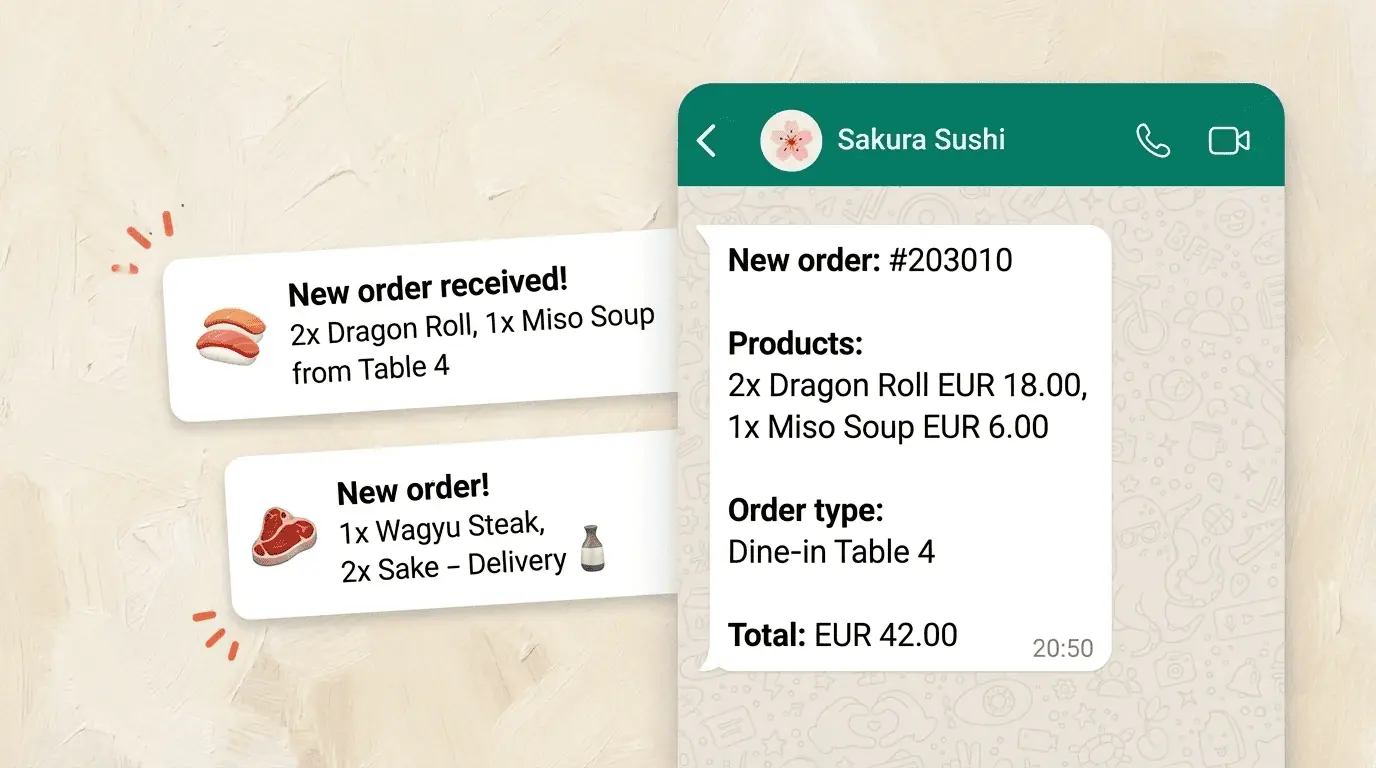
Get notified your way.
Order Types.
Pickup
Ready in 25min
Delivery
Up to 5 km radius
Dine-in
Scan & order at the table
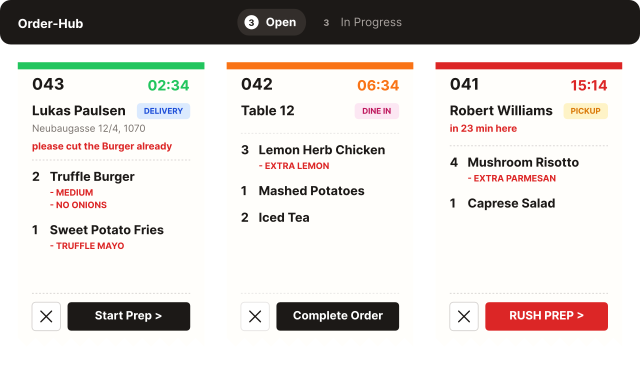
Direct to Kitchen.
Orders land on any device the moment guests confirm.
"WhatsApp ordering changed everything. Our takeaway orders doubled in the first month."
Results
Numbers that pay the bill.
+ 23%
Revenue per Table
Average uplift after 3 months with digital ordering enabled.
5 min
Setup to Live
From account creation to your first live order. No IT needed.
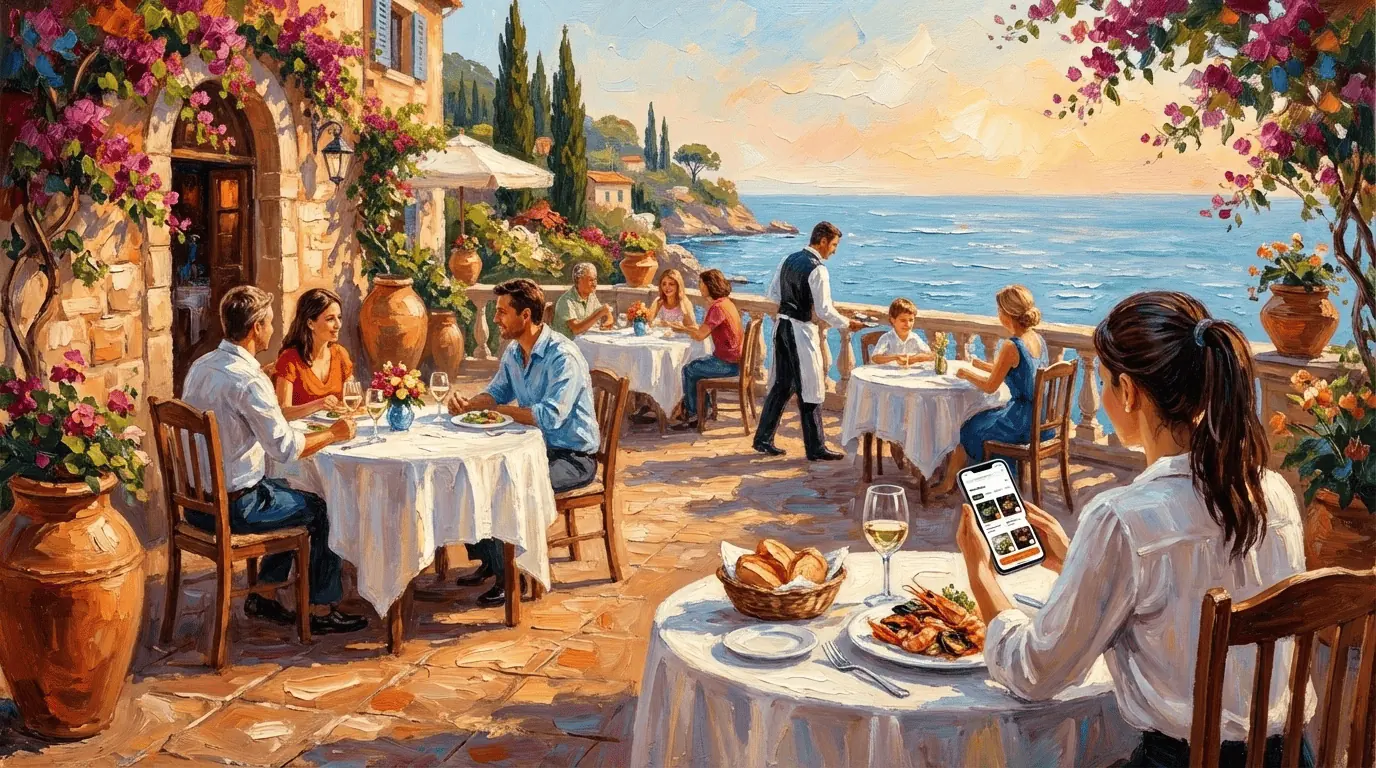
"23% more revenue in just 3 months.
Yumzi pays for itself."
No. Your QR code menu opens directly in any mobile browser. Guests scan the table QR code and see your full menu with photos, allergens, and prices.
Start with a 7-day free trial. After that, choose a paid plan that fits your venue size and ordering needs.
Yumzi works independently. Orders arrive in your dashboard and can be printed or displayed on a kitchen screen. No POS integration required, though we offer webhooks for custom setups.
Yes. Change a price, toggle an allergen label, or mark a dish sold out. The update goes live across every device within seconds.
Yes. Cafés, food trucks, bars, and restaurant groups use Yumzi. Setup takes about 5 minutes, and the QR menu works on any smartphone.
No. The QR menu opens on the guest's own mobile data, so a weak restaurant WiFi network does not stop guests from viewing the menu.
Yes for most restaurants. A live QR code menu is easier to read on mobile, updates without reprinting, and can show photos, allergens, languages, and ordering. A PDF is still useful as a backup, but it should not be the main guest experience.
Yes. Create one permanent QR code, download print-ready files, and use them for table cards, table tents, stickers, flyers, or signs. When you update the menu, the printed QR code can stay the same.
No. Your QR code can stay permanent. You update dishes, prices, allergens, or availability in Yumzi, and guests see the latest menu through the same QR code.